 22 Min


If you’ve ever watched an agent put a customer on hold just to hunt down a basic answer, you already understand the problem.
Contact centers run on information. But in most operations, that information is scattered, buried in shared drives, outdated wikis, or the memory of whoever’s been there the longest. Agents improvise. Customers wait. And the cycle repeats dozens of times a day.
That’s not an agent performance problem. It’s an information problem.
And it’s a costly one. According to research, agents spend up to 20% of their shift searching for information instead of helping customers; that’s nearly 96 minutes lost per agent, per day, to information hunting alone.
Knowledge management software in contact centers exists to fix exactly that. When agents can pull up the right answer in seconds, without switching tabs, calling a supervisor, or guessing, everything gets better. Calls get shorter. Issues get resolved the first time. And customers actually hang up satisfied.
This guide compares the leading KM platforms available in 2026, what they actually do, and how to choose the right fit for your operation.
Table of contents
What Is Knowledge Management Software for Contact Centers?
Knowledge management software for contact centers is a purpose-built platform that organises, surfaces, and delivers accurate information to agents and customers in real time.
It connects seamlessly to your existing repositories, including but not limited to SharePoint, Drives, and internal placeholders, ensuring all content stays centralized and up to date. It typically includes a searchable knowledge base, decision trees or guided workflows, self-service portals, and analytics that track content usage and gaps.
Unlike generic wikis or document repositories, contact center KM software is designed around the speed and precision that customer-facing environments demand.
The Beginner’s Guide To Knowledge Management
Why Contact Centers Need a Dedicated KM Platform
Generic tools like shared drives, intranets, and legacy wikis were never built for the speed of live customer interactions. In many contact centers, agents still jump between multiple systems just to answer a simple question, slowing conversations and increasing customer effort.
When knowledge is scattered across documents and internal systems, agents spend valuable time searching for answers instead of resolving issues. The result is longer calls, inconsistent responses, and more transfers.
The business impact is clear. Reports shows that improving knowledge access is the single highest-impact lever for reducing average handle time (AHT) in customer service operations.
A dedicated knowledge management platform solves this by centralizing information into a single contact center knowledge base. With AI-powered search, contextual suggestions, and guided workflows, agents can find the right answer instantly.
In practice, this transforms how agents work. Instead of searching through documents during live calls, they can follow structured decision trees, access step-by-step guides, and resolve customer issues faster with greater accuracy.
Top Knowledge Management Software Platforms for 2026
Here are the top 7 knowledge management software for contact centers:
1. Knowmax
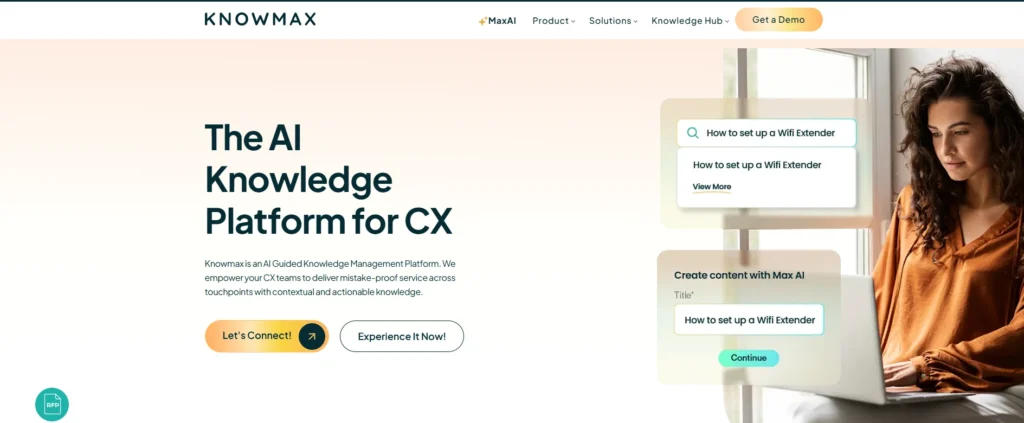
Best for: Enterprise contact centers seeking guided, AI-powered knowledge delivery across voice, chat, and self-service channels.
Knowmax is an AI-Guided Knowledge Management Platform built specifically for contact center and CX operations. Its core differentiator is the combination of structured knowledge, visual decision trees, step-by-step guides, rich media articles — with an AI layer that surfaces the right content based on query context rather than keyword matches.
Key features include:
- AI-powered decision trees that guide agents through complex, multi-step processes without requiring them to memorise scripts or procedures.
- Omnichannel knowledge delivery– the same knowledge base powers agent desktops, chatbots, IVR, and customer self-service portals from a single source of truth.
- Chrome extension and CRM integrations so agents can access knowledge inside the tools they already use (Salesforce, Zendesk, Freshdesk, ServiceNow) without switching screens.
- Visual guides and micro-learning for faster agent onboarding, new hires reach competency in days rather than weeks.
- Content analytics that identify knowledge gaps by tracking searches with zero results, most-accessed articles, and resolution rates by topic.
Knowmax customers report AHT reductions of 45–90 seconds per call and FCR improvements of 15–25 percentage points. The platform is widely deployed in telecom, banking, retail, healthcare, and BPO sectors.
Pricing: Contact sales@knowmax.ai
Reduce AHT and Improve FCR with Knowmax
2. Stonly
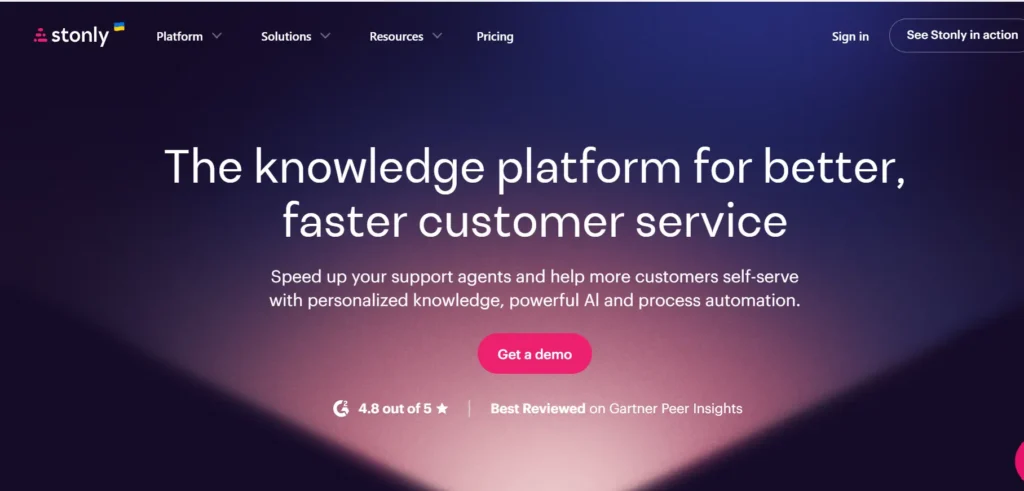
Best for: High-volume customer service teams that need their knowledge and AI to execute real processes, guide agents, and resolve complex support scenarios reliably.
Stonly is a knowledge platform built for customer service teams that need more than article storage. It covers both agent-facing and customer-facing knowledge, with standard articles and interactive step-by-step guides that adapt to each user’s situation based on context, inputs, and choices. Agents get the right knowledge surfaced automatically inside their ticketing system, and customers get proactive help delivered at the point of need through no-code triggers and integrated AI answers.
Where most knowledge tools reach their ceiling on complex, variable scenarios, Stonly is built for exactly that. Because teams are building structured, metadata-rich guides rather than flat articles, both Stonly’s own AI products and third-party AI have something far more useful to work with. The result is more reliable, consistent experiences across even the most complex contact center environments, including those handling high volumes across multiple products, policies, or customer segments.
Pricing: Available on request.
3. Salesforce Knowledge
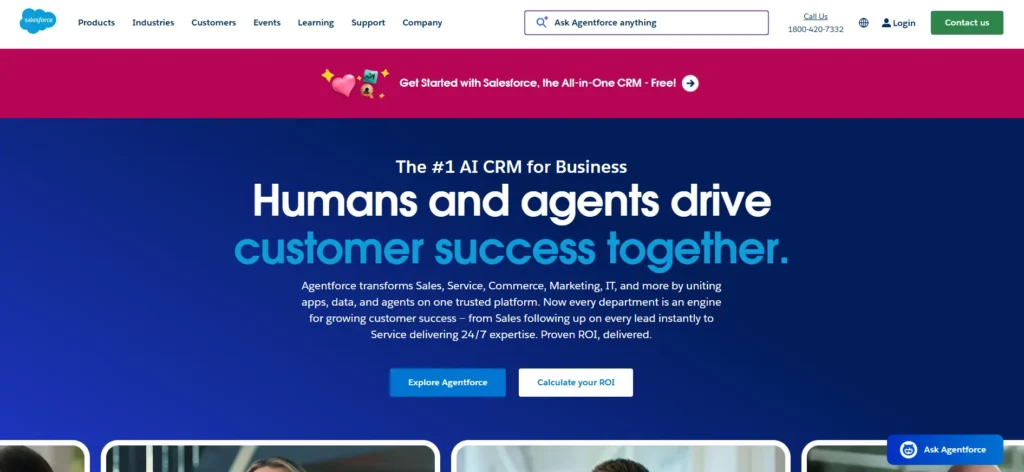
Best for: Organisations already running Salesforce Service Cloud who need embedded knowledge within their existing CRM workflow.
Salesforce Knowledge integrates tightly with Service Cloud, making it a logical default for teams already on the Salesforce platform. Agents can search and attach articles to cases without leaving the console. Articles can be surfaced to customers through Experience Cloud self-service portals.
The platform is strong on workflow and case linkage but has historically required significant configuration to support complex decision-based content. AI Search (Einstein) improves relevance but is less specialised for step-by-step guided resolution than platforms built from the ground up for that purpose.
Pricing: Bundled with Service Cloud; full Knowledge features typically require the Enterprise tier or above.
4. Zendesk Guide

Best for: SMB and mid-market teams using Zendesk for ticketing who want integrated self-service and agent knowledge access.
Zendesk Guide provides a well-designed self-service knowledge base paired with a content management system that is approachable for non-technical teams. Answer Bot uses article content to deflect tickets automatically, and agents see suggested articles in-line while handling conversations.
The platform works well for straightforward FAQ and procedure content. Organisations with highly complex, branching knowledge requirements (multi-product telcos, financial services) often find that it reaches its ceiling quickly without custom development.
Pricing: Included in Zendesk Suite plans; advanced AI features require higher tiers.
5. ServiceNow Knowledge Management
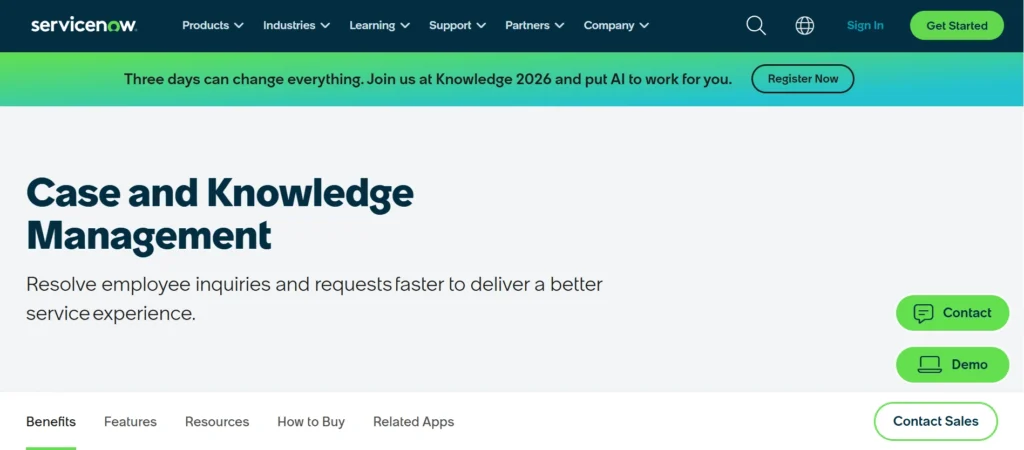
Best for: IT service desks and large enterprises running ServiceNow as their ITSM platform.
ServiceNow’s Knowledge module is powerful within the ServiceNow ecosystem. It supports structured content, versioning, feedback loops, and role-based access. For IT-focused contact centers where ServiceNow is the workflow backbone, it is a natural choice.
For customer-facing CX operations outside of IT, the platform can feel heavyweight to configure and maintain. Its self-service capabilities are improving with the Now Platform AI integrations, but it remains primarily designed for IT and shared services use cases.
Pricing: Enterprise; available as part of the CSM (Customer Service Management) product line.
6. Guru
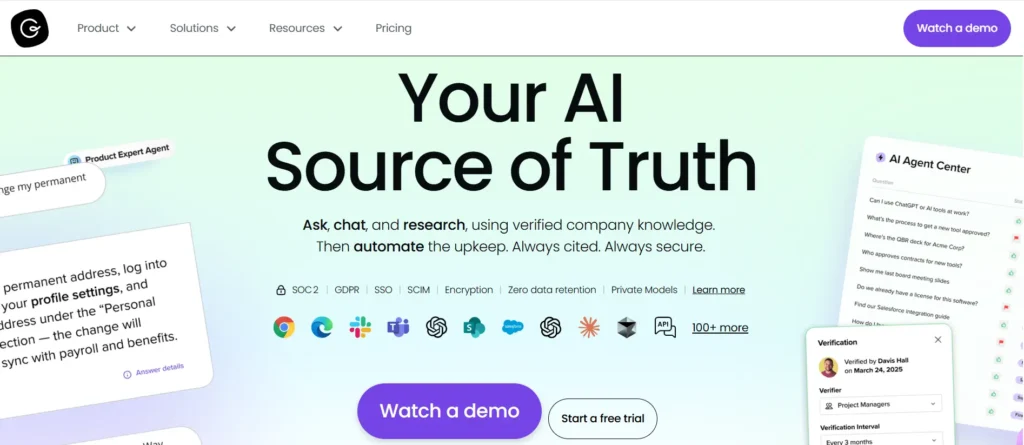
Best for: Sales and support teams wanting a lightweight, card-based knowledge tool that integrates with Slack, Teams, and browser workflows.
Guru organises knowledge into ‘cards’ that appear inline as agents work in Gmail, Slack, Zendesk, and Salesforce. Its strength is delivery speed: the browser extension surfaces relevant cards as agents type, without requiring them to leave their current application.
Guru is easy to deploy and maintain, making it popular with fast-growing teams. For contact centers requiring structured decision trees, complex multi-step guides, or deep call center analytics, it is typically positioned as a supplement to, rather than a replacement for, a full KM platform.
Pricing: Team and Business tiers available; pricing per seat.
7. Confluence (Atlassian)
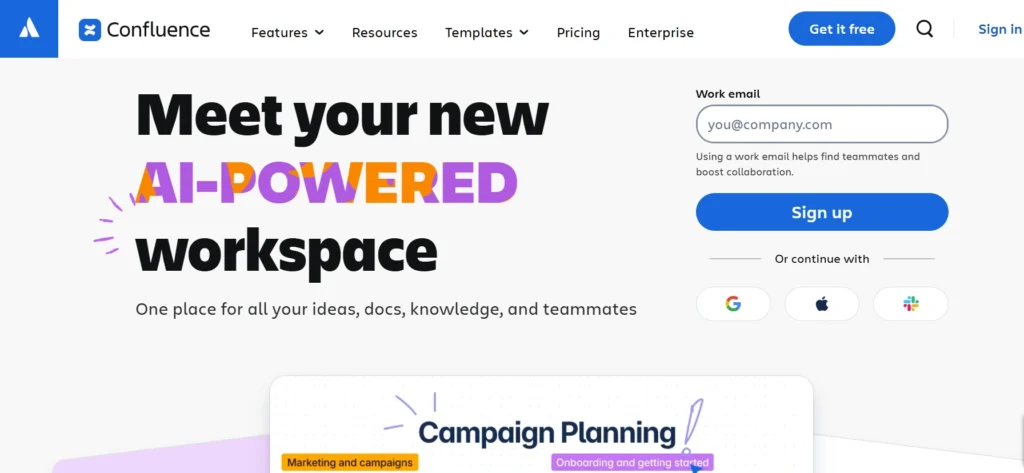
Best for: Tech-forward teams already using the Atlassian suite who need flexible internal documentation.
Confluence is a widely adopted team wiki with strong collaboration and content organisation features. It can serve as a knowledge repository for contact centers, particularly in technical support environments.
For live customer-facing use cases, where agents need a single, fast, authoritative answer on a call, Confluence requires significant customisation and governance to perform reliably. It lacks native decision tree creation, AHT-focused analytics, and agent desktop integration without third-party connectors.
Features Comparison Table
Key features to look for in contact center knowledge management software:
| Feature | Knowmax | Stonly | Salesforce Knowledge | Zendesk Guide | ServiceNow KM | Guru | Confluence |
|---|---|---|---|---|---|---|---|
| AI- Decision Trees | Native | Yes | Limited | No | Limited | No | No |
| Omnichannel Delivery | Yes | Yes | Yes (Service Cloud) | Yes | Partial | Partial | No |
| CRM Integrations | Salesforce, Zendesk, Freshdesk, Genesys, SAP, Chrome, & Webhooks | Zendesk, Salesforce, Freshworks, ServiceNow | Salesforce native | Zendesk native | ServiceNow native | Multiple | Limited |
| Self-Service Portal | Yes | Yes | Yes | Yes | Yes | No | No |
| AI Answer Surfacing | Yes | Yes | Einstein | Answer Bot | Yes | Yes | No |
| Visual Step-by-Step Guides | Yes | Yes | No | No | No | No | No |
| AHT/FCR Analytics | Yes | Yes | Partial | Partial | No | No | No |
| Built for Contact Centers | Yes | Yes | Broader CRM | Broader support | Primarily ITSM | No | No |
How to choose a Knowledge Management System in 2026?
How to Choose the Right KM Software
The right platform depends on three variables: your existing tech stack, the complexity of your knowledge, and your primary objective.
- If your primary goal is reducing AHT and improving FCR, especially in industries with complex, multi-step processes, look for platforms with native decision tree creation, not just flat article repositories. An agent reading a three-page article on a live call is not faster than an agent who has no tool at all.
- If you are deeply embedded in Salesforce or Zendesk, the native knowledge modules remove integration overhead and are a reasonable starting point for less complex knowledge environments.
- If you operate across multiple channels, such as voice, chat, email, WhatsApp, and self-service, you need a platform that delivers the same knowledge from a single content repository. Maintaining separate knowledge bases per channel creates consistency failures that agents and customers both experience.
- If you are in a regulated industry- banking, insurance, healthcare, telco- look for version control, approval workflows, and audit trails as standard features, not add-ons.
According to McKinsey, companies that unify their knowledge infrastructure across all customer touchpoints see 25–35% higher customer satisfaction scores than those running siloed knowledge systems.
The critical question to ask any vendor is not ‘what features do you have?’ but ‘how long does it take an agent to get the right answer?’ Measure that time in your own environment during any proof of concept.
Conclusion
Knowledge management software is no longer a nice-to-have in contact centers; it’s the operational foundation that determines whether agents resolve issues or stall them.
The platforms covered in this guide each serve a purpose, but the gap between general-purpose tools and purpose-built solutions becomes obvious at the moment you measure agent performance under real conditions. Faster answers mean shorter calls, higher resolution rates, and customers who don’t need to call back.
If your contact center is still running on scattered documents and tribal knowledge, the cost is already showing up in your AHT and CSAT scores; you’re just not attributing it to the right cause.
The fix is a single, trusted knowledge source that every agent can reach in seconds. That’s what the right KM platform delivers.
FAQs
A knowledge base is a repository — a collection of articles and documents. Knowledge management software is the full system: creation tools, governance workflows, delivery mechanisms, and analytics. The best KM platforms do not just store knowledge; they actively surface it at the moment an agent needs it, without requiring the agent to search.
Implementation timelines range from two weeks (for lightweight tools like Guru) to three to six months (for enterprise platforms requiring deep CRM integration and content migration). The largest variable is content readiness — migrating legacy documentation, reformatting procedures as decision trees, and establishing governance frameworks takes longer than the technical deployment itself.
Most major KM platforms offer pre-built integrations with Salesforce, Zendesk, Freshdesk, ServiceNow, and Microsoft Dynamics. Platforms like Knowmax deliver knowledge through a browser extension that works inside any CRM without requiring a native integration, which is particularly useful for contact centers running legacy or custom CRM systems.
The four metrics that most directly reflect KM performance are: average handle time (AHT), first-call resolution rate (FCR), agent ramp time for new hires, and knowledge search success rate (searches that return a useful result vs. zero-result searches). Gartner (2024) recommends establishing a baseline on all four before deployment and measuring at 30, 60, and 90 days post-launch.
AI improves KM in three ways. First, it surfaces relevant content automatically based on call context or chat transcript rather than requiring agents to search manually. Second, it identifies knowledge gaps by analysing what agents and customers search for but do not find. Third, it powers self-service chatbots and IVR responses using the same knowledge base that agents use, ensuring consistency across channels.


 Word Document)
 Excel File)


