 29 Min


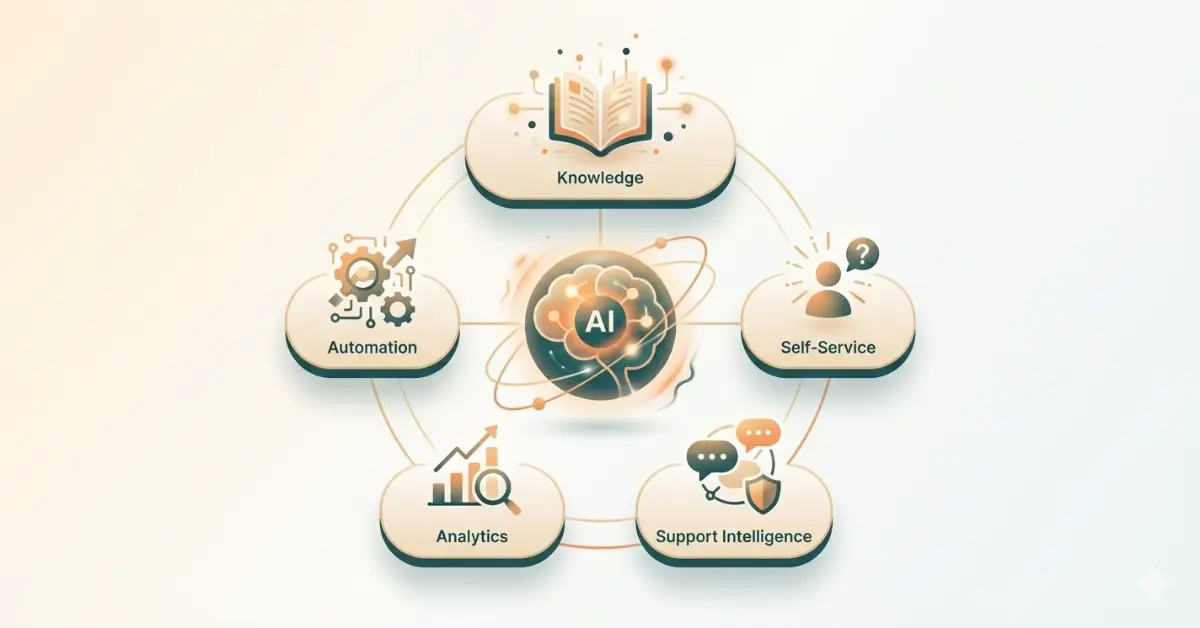
We have all been there. You reach out to customer support, but the response is slow, generic, or completely off-base. You just want a solution, but you get stuck in a loop of irrelevant links.
But the landscape has shifted.
By 2026, AI customer service tools will have evolved beyond simple automation. They now understand context, predict customer needs, and solve complex problems instantly. It is no longer just about deflecting tickets; it is about delivering a seamless, personalized resolution at scale.
Whether you are a startup staying lean or an enterprise aiming to personalize support for millions, your technology stack defines your success. We reviewed the market to find the best AI customer service tools that will define your CX strategy this year.
Table of contents
What is AI in Customer Service?
AI in customer service is the use of artificial intelligence to help businesses support customers faster, more accurately, and at scale, often without needing a human agent for every interaction.
Instead of relying only on people, AI systems assist (or automate) tasks like answering questions, routing tickets, understanding customer intent, and finding the right solution instantly.
In simple terms, AI acts like a smart assistant for support teams and customers, available 24/7, learning from data, and improving over time.
Top AI Customer Service Tools in 2026
Here is the list of AI customer service tools:
1. AI Knowledge Management Tool for Customer Service
| Tool Name | G2 Rating | Best For | Pricing |
|---|---|---|---|
| Knowmax | 4.7/5 | Best for turning complex troubleshooting and compliance-heavy SOPs into interactive, guided workflows that eliminate agent errors and reduce handle time | Pricing available on request. |
| Document360 | 4.7/5 | Technical documentation and fast-growing SaaS companies. | Pricing available on request. |
| Confluence | 4.1/5 | Software teams and deep integration with Jira/Atlassian. | $0 for the Free tier (up to 10 users) to around $12.30/user/month for Premium, and custom quotes for Enterprise |
| Guru | 4.7/5 | Internal “Wiki-style” knowledge that lives in your browser/Slack. | Self-serve $25/seat/month for Enterprise Contact sales |
| Bloomfire | 4.6/5 | Enterprise-wide knowledge sharing and video deep-search. | Request a Price Estimate |
How to choose a Knowledge Management System in 2026?
Detailed review
1. Knowmax – AI Knowledge Management Software
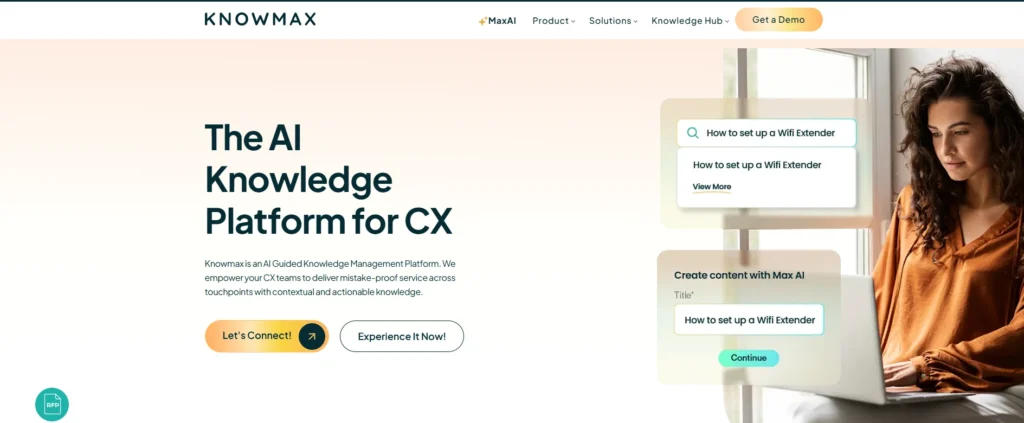
Knowmax is an AI-guided platform that empowers CX teams to deliver mistake-proof service across all touchpoints. By turning static documents into contextual, actionable insights, it creates a seamless support experience for both agents and customers. The platform’s interactive flows (decision trees) provide step-by-step guidance for real-time issue resolution, while visual guides simplify complex troubleshooting. It also features an integrated LMS to accelerate agent onboarding and reduce time-to-proficiency.
Beyond support, Knowmax is a secure enterprise “source of truth,” boasting GDPR, SOC 2, ISO, and HIPAA compliance. It uses cutting-edge AI to automate content creation, including an AI Flow Generator that converts SOPs into interactive guides and a conversational search that understands user intent without exact keywords. With tools to summarize, translate into 15+ languages, and generate quizzes, Knowmax scales exceptional service while reducing the cognitive load on your team.
Key Features
- Unified Knowledge Base: A single source of truth for all organizational knowledge, accessible across assisted and digital channels.
- Interactive Decision Trees: Guided, step-by-step workflows that prevent agents from missing steps, ensuring accurate resolutions.
- AI-Powered Content Creation: Automates content development and translation, turning complex SOPs into simple guides.
- Self-Service Capabilities: Empowers customers and agents with self-care knowledge for faster issue resolution.
- Learning & Training: Integrated LMS for guided learning paths, assessments, and real-time progress tracking.
Benefits of Knowmax
- Reduce agent onboarding time using integrated LMS and guided “learning-by-doing” training paths.
- Slash information retrieval time with conversational AI search that understands user intent without exact keywords.
- Boost First Call Resolution (FCR) through interactive decision trees that provide step-by-step, mistake-proof guidance.
- Deflect of routine support tickets by empowering customers with intuitive, AI-driven self-service capabilities.
- Regulatory compliance with a secure “source of truth” boasting GDPR, SOC 2, ISO, and HIPAA certifications.
- Scale global support instantly by using AI to translate complex technical SOPs and guides into 15+ languages.
- Eliminate content maintenance bottlenecks by automatically converting static documents into interactive flows with the AI Flow Generator.
See How Knowmax Powers Accurate, Compliant Support at Scale
2. Document360
Document360 is a specialized knowledge base platform designed to help companies create and publish self-service help centers and technical documentation. It offers flexible editing options to suit both technical and non-technical teams. With enterprise-grade security, version control, and robust analytics, it transforms static documents into a dynamic knowledge hub. The platform streamlines content management, making it easier to reduce support tickets and enhance the overall user experience.
Key Features
- AI Search Assistant: A conversational tool that interprets user queries and retrieves instant, accurate answers from the knowledge base to reduce search time.
- Flexible Content Editors: Provides both markdown options for developers and visual text editors for content creators to suit different workflow preferences.
- Advanced Categorization: Hierarchical organization tools that allow you to structure complex content deeply for easy navigation and discoverability.
Benefits of Zendesk
- Reduced Support Costs: Deflects common customer queries through a high-quality, easily searchable self-service portal.
- Seamless Scaling: Efficiently manages version history and updates, which is essential for growing product documentation and knowledge bases.
3. Confluence
Confluence is a connected workspace that centralizes project collaboration and knowledge sharing for teams. It allows users to create, organize, and discuss work in one place, moving beyond simple document storage to foster open teamwork. The platform integrates seamlessly with project management tools to link documentation directly to workflows. With real-time editing and AI-driven summarization, it ensures that institutional knowledge remains actionable and easily discoverable across the organization.
Key Features
- Real-Time Collaboration: Supports simultaneous editing, inline commenting, and tagging to facilitate immediate feedback and collaborative decision-making.
- Project Integration: Links tasks, roadmaps, and project updates directly into documentation pages for unified project visibility.
- AI Content Tools: Intelligent capabilities that summarize long documents, generate content drafts, and automate tedious formatting tasks.
Benefits of Confluence
- Breaks Down Silos: Creates an open culture where knowledge is shared across departments rather than locked in private drives.
- Single Source of Truth: Centralizes project data and requirements, reducing the time spent searching for files or email threads.
4. Guru
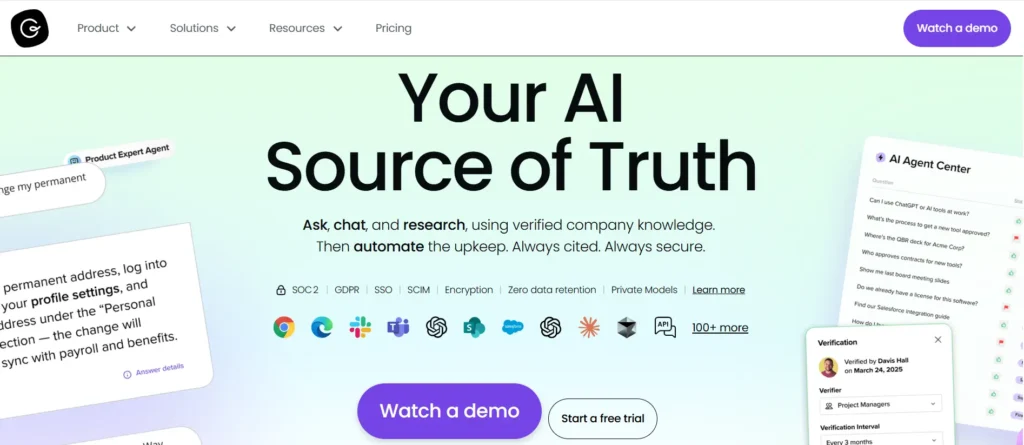
Guru is an enterprise search and knowledge solution that delivers information directly into your team’s existing workflow. Instead of forcing users to switch applications, it overlays web browsers and chat tools to provide contextual answers instantly. It connects fragmented data from various sources into a single interface. Its unique verification system ensures that all accessible knowledge is regularly reviewed by experts, keeping information trusted, accurate, and up-to-date.
Key Features
- Unified Enterprise Search: Connects across various company applications to let users search all internal data from a single search bar.
- Workflow Integration: Provides instant access to knowledge within the workflow of other web-based applications, preventing context switching.
- Content Verification: An automated system that prompts experts to update and validate content at set intervals to ensure accuracy.
Benefits of Guru
- Eliminates Context Switching: Keeps employees focused and productive by delivering answers directly in their current window.
- Trusted Information: Solves the problem of outdated documentation by ensuring all accessible knowledge is verified by subject matter experts.
5. Bloomfire

Bloomfire is a knowledge intelligence platform designed to democratize insights and deep search across the enterprise. It excels at managing rich media by automatically transcribing and indexing audio and video files, making spoken words fully searchable. With a visually engaging interface and AI capabilities that synthesize answers from multiple documents, Bloomfire eliminates information silos, ensuring valuable market research and customer insights are easily accessible to all stakeholders.
Key Features
- Multimedia Indexing: Automatically transcribes video and audio files, making spoken words within multimedia content fully searchable alongside text.
- AI-Powered Q&A: Uses intelligent algorithms to scan the database and construct direct answers to questions rather than just providing links.
- Social Knowledge Feed: A personalized feed system that allows users to follow specific topics or authors to stay updated on relevant insights.
Benefits of Bloomfire
- Unlocks Rich Media: Transforms hours of video content into searchable assets, preserving institutional knowledge found in recorded meetings.
- Democratizes Insights: Removes information bottlenecks by making market research and data accessible to all relevant teams.
The Ultimate Guide To Implementing a KM Platform
Other AI Customer Service Tools
| Tool Name | G2 Rating | Best For | Pricing |
|---|---|---|---|
| Zendesk | 4.3/5 | Large enterprises need a massive, scalable ecosystem. | Large enterprises need a massive, scalable ecosystem. |
| Zoho Desk | 4.4/5 | Great value for money; teams already in the Zoho ecosystem. | Starts at $9/month |
| HubSpot Service Hub | 4.4/5 | B2B companies want CRM and Service in one place. | Free; Paid starts at $15/seat/month |
| Freshdesk | 4.4/5 | Multi-channel support for mid-market and scaling teams. | Free for 2; Paid from $15/agent/month |
| Help Scout | 4.4/5 | Small to mid-sized teams want a “human” to feel and ease of use. | Starts at $25/user/month |
| Gorgias | 4.6/5 | E-commerce brands (built specifically for Shopify/BigCommerce). | Starts at $10/mo (Ticket-based) |
| Intercom | 4.5/5 | AI-first support and proactive in-app messaging. | Starts at $29/seat/month + AI fees |
Detailed review
6. Zendesk – Scalable Omnichannel Support
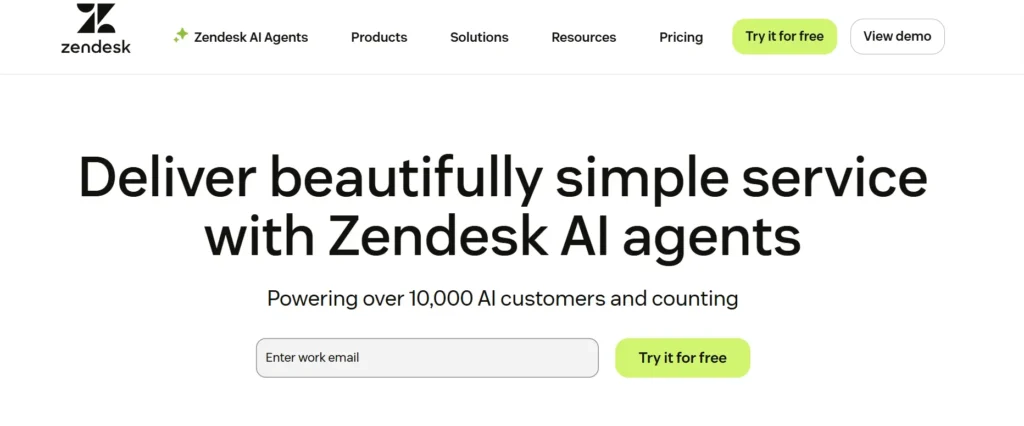
Zendesk is a robust customer service solution built to scale with growing businesses and large enterprises. It unifies conversations from email, chat, phone, and social media into a single workspace, allowing agents to provide seamless, uninterrupted support. Known for its high flexibility and extensive app ecosystem, the platform helps organizations deliver personalized experiences. Its advanced reporting and AI tools automate workflows, ensuring rapid resolution and high customer satisfaction.
Key Features
- Unified Agent Workspace: Consolidates all communication channels into one interface, giving agents full context without switching tabs.
- AI-Powered Routing: Automatically categorizes incoming requests and assigns them to the right agent based on expertise and workload.
- Advanced Analytics: comprehensive reporting dashboards that provide deep insights into team performance and customer satisfaction metrics.
Benefits of Zendesk
- Enterprise Scalability: Easily adapts to complex organizational structures and high ticket volumes as the business grows.
- Seamless Customer Journey: Provides a consistent support experience regardless of which channel the customer chooses to use.
7. Zoho Desk – Context-Aware Help Desk
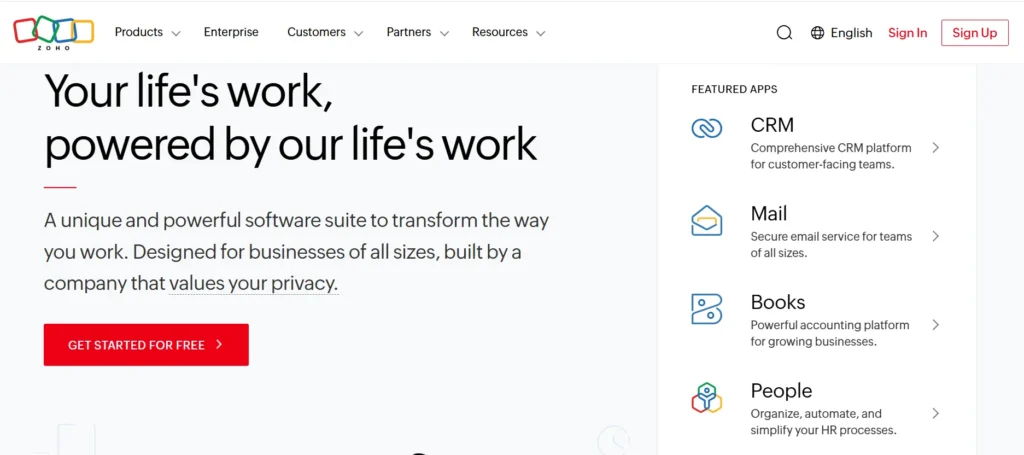
Zoho Desk is a context-aware help desk software designed to help businesses focus on the customer rather than just the ticket. It aggregates interactions from various channels into a unified interface, giving agents a complete history of the customer’s journey. With strong automation capabilities and AI assistants to analyze sentiment and route tickets, it streamlines support operations. It is particularly effective for teams needing tight integration with CRM and sales data.
Key Features
- Contextual Ticketing: Displays relevant customer history and past interactions alongside every ticket to inform agent responses.
- Workflow Automation: Automates repetitive tasks like ticket assignment, alerts, and follow-ups to save manual effort.
- Multi-Channel Support: Manages conversations from email, social media, phone, and web forms within a single platform.
Benefits of Zoho Desk
- Improved Agent Efficiency: Reduces research time by providing all necessary customer context immediately.
- Cost-Effective: Offers a comprehensive set of enterprise-level features at a price point accessible to various business sizes.
8. HubSpot Service Hub – CRM-Connected Service
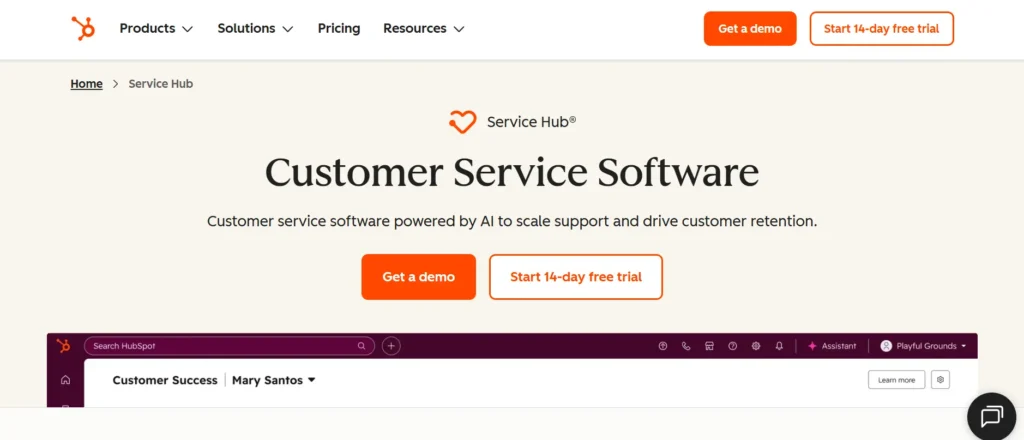
HubSpot Service Hub is a customer service platform connected directly to a powerful CRM database. It empowers teams to deepen customer relationships by linking service data with sales and marketing insights. The platform includes tools for ticketing, knowledge bases, and customer feedback surveys. By centralizing all customer data, it enables proactive support and helps transform satisfied customers into loyal promoters through personalized, data-driven interactions.
Key Features
- Shared Inbox: A centralized location for teams to view, manage, and collaborate on all customer communications.
- CRM Integration: Provides agents with a complete view of the customer’s profile, including sales pipeline status and marketing interactions.
- Customer Feedback Tools: Built-in surveys (NPS, CSAT) that help measure loyalty and gather actionable insights directly from users.
Benefits of HubSpot Service Hub
- 360-Degree View: Aligns sales and service teams by keeping all customer data in one accessible location.
- Proactive Service: Identifies at-risk customers early using CRM data, allowing for timely intervention and retention efforts.
9. Freshdesk – Intuitive Cloud Help Desk
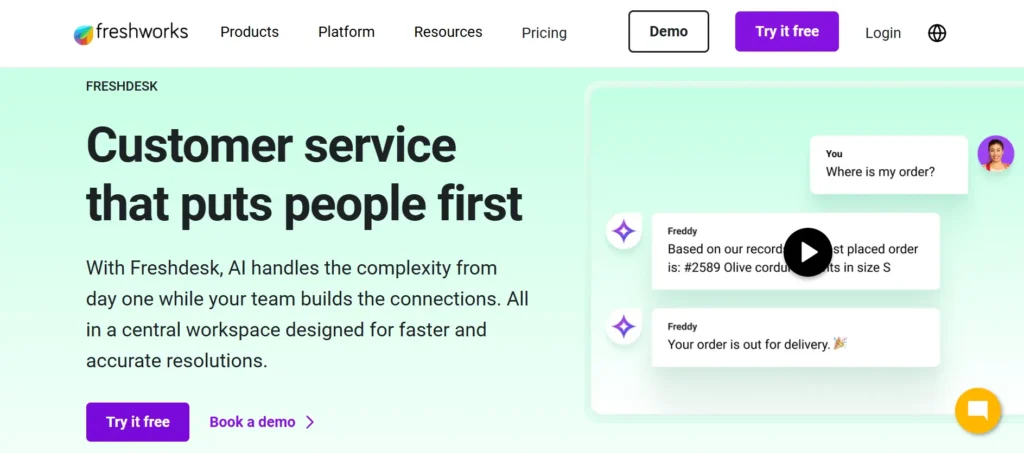
Freshdesk is an intuitive customer support software designed for ease of use and quick implementation. It converts requests from email, web, phone, and social media into tickets within a simplified dashboard. Known for features like gamification to motivate agents and collaborative tools for team swarming, it simplifies complex support processes. Its predictive AI capabilities help prioritize urgent issues, ensuring teams stay efficient without requiring extensive technical training.
Key Features
- Team Collaboration: “Collision detection” and internal chat features prevent multiple agents from working on the same ticket simultaneously.
- Gamification: Turn support tasks into a game with leaderboards and badges to improve agent morale and productivity.
- Smart Automation: Automatically prioritizes, categorizes, and routes tickets based on specific keywords and properties.
Key Benefits
- Fast Time-to-Value: Easy to set up and customize, allowing teams to start supporting customers almost immediately.
- Increased Productivity: Keeps agents engaged and organized, reducing burnout and improving response times.
10. Help Scout – Human-Centric Shared Inbox
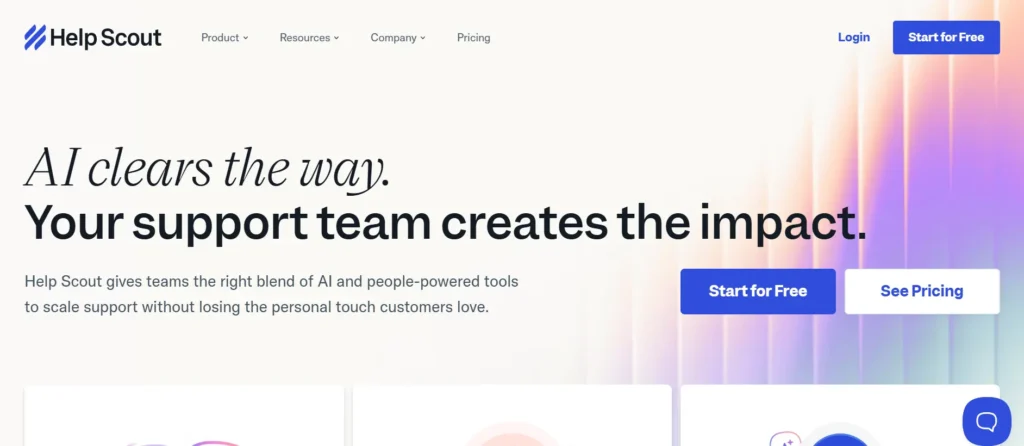
Help Scout is a dedicated customer support platform designed to feel like a personal email rather than a robotic ticketing system. It focuses on delivering a human touch by removing clunky ticket numbers and portal logins. Ideal for customer-centric teams, it offers shared inboxes, saved replies, and a built-in knowledge base. It streamlines collaboration with internal notes and collision detection to prevent duplicate work, making support feel personal and effortless.
Key Features
- Shared Inboxes: Manages multiple email addresses (e.g., support@, info@) in one place with organized tagging and assignment.
- Collision Detection: Real-time indicators show if another team member is viewing or replying to a conversation to prevent overlap.
- Customer Profiles: Automatically pulls in customer data and previous conversation history into a sidebar for quick reference.
Key Benefits
- Personalized Experience: Delivers support that looks and feels like a standard email, increasing customer trust.
- Clutter-Free Collaboration: Simplifies team communication without the complexity of traditional enterprise ticketing systems.
11. Gorgias – E-Commerce Help Desk
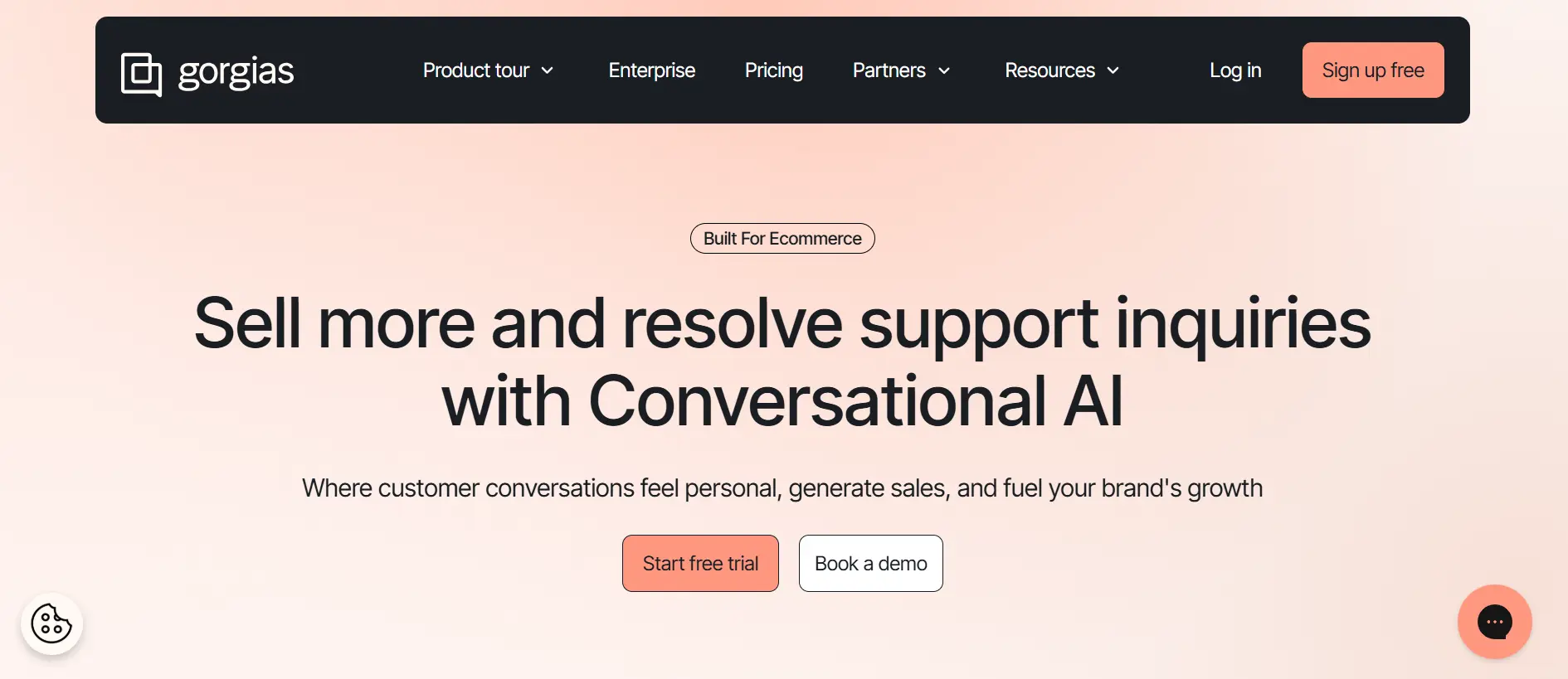
Gorgias is a specialized help desk built specifically for e-commerce merchants. It integrates deeply with shopping cart platforms, allowing agents to view order details and perform actions like refunds or modifications directly from the support window. By centralizing comments from social media and ads alongside emails, it turns support into a profit center. Its automation rules utilize customer data to personalize responses and drive sales effectively.
Key Features
- Deep E-Commerce Integration: Connects with store data to display order history, tracking numbers, and shipping details next to the ticket.
- Direct Order Actions: Allows agents to refund, cancel, or duplicate orders directly within the help desk interface.
- Social & Ad Comments: Aggregates questions and comments from social media ads into the main support feed for fast responses.
Key Benefits
- Faster Resolution: Eliminates tab-switching by enabling agents to modify orders without leaving the chat.
- Revenue Generation: Helps convert shoppers by responding quickly to pre-sale questions on social media and ads.
12. Intercom – Messenger-First Platform
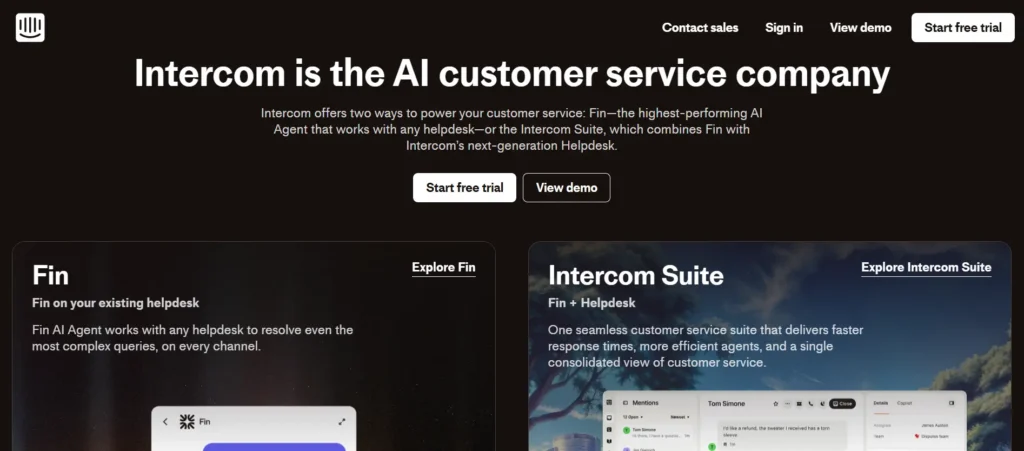
Intercom is a conversational relationship platform that redefines support through messenger-first experiences. It combines an AI-powered help desk with proactive chat tools to resolve issues before they escalate. Designed for modern SaaS and internet businesses, it offers a customizable messenger that fits seamlessly into products. Its heavy use of chatbots and automated workflows helps teams manage volume while maintaining a personal connection with users in real-time.
Key Features
- Business Messenger: A highly customizable chat interface that integrates directly into websites and apps for real-time support.
- Proactive Support: Sends targeted messages to users based on their behavior to answer questions before they contact support.
- Resolution Bots: Automated chatbots that use machine learning to answer common questions and close conversations without agent intervention.
Key Benefits
- Real-Time Engagement: Connects with customers at the exact moment they need help, increasing conversion and retention.
- Reduced Volume: Proactively deflects common queries using automation, allowing human agents to focus on complex issues.
Key Benefits of AI in Customer Service
1. Customer-Centric Benefits
- Instant 24/7 Support: Resolves inquiries the moment they arise, regardless of time zones or holidays.
- Hyper-Personalized Interactions: Leverages historical data to provide tailored recommendations and solutions.
- Frictionless Self-Service: Empowers customers to solve routine issues instantly without waiting for a human.
- Seamless Multilingual Support: Breaks down language barriers with real-time, high-quality translation.
2. Agent & Team Efficiency
- Reduced Agent Burnout: Automates repetitive tasks so human teams can focus on high-value, complex cases.
- Real-time Agent Assistance: Provides instant knowledge-base suggestions to help agents solve tickets faster.
- Automated Ticket Summarization: Eliminates manual data entry by generating instant recaps of customer interactions.
- Intelligent Intent Routing: Matches customers with the right specialist based on the specific nature of their problem.
3. Business & Operational Growth
- Scalability on Demand: Manages sudden spikes in ticket volume without the need for additional hiring.
- Significant Cost Reduction: Lowers the average cost per resolution by automating high-volume inquiries.
- Proactive Churn Prevention: Identifies frustrated sentiment early to trigger intervention before a customer leaves.
- 100% Quality Oversight: Analyzes every single interaction for compliance and tone, rather than just small samples.
See How did a Fortune 500 Retailer Witness 13% Reduction in Handling Time?
How to Choose the Right Artificial Intelligence Customer Support Tool
Finding the right AI customer support software doesn’t have to be complicated. Follow these simple steps to make the best choice for your team.
- Define Your Problem – Don’t buy AI just to have AI. Decide exactly what you need to fix. Do you need to answer simple FAQs automatically? Or do you need to help agents write emails faster?
- Read Real Reviews – Marketing websites always look perfect. Go to independent sites like G2 or Capterra to see what actual users are saying. If many people complain about the same bug, take it as a warning.
- Check Your Current Tools – Make a list of the software you already use, like Salesforce, Zendesk, or Slack. The new AI tool must connect to these easily so your data stays in one place.
- Test the “Brain” – Not all AI is smart. Some just follow a script. Ask for a free trial and test if the AI understands natural language or if it gets confused by simple questions.
- Verify Data Safety – Customer trust is everything. Ensure the software follows strict security rules (like GDPR or SOC 2) so your customer data never gets leaked or misused.
- Calculate the Real Cost – Look beyond the monthly fee. Check if there are hidden costs for setup, training, or extra features. Make sure the value you get is worth the price you pay.
Improve Agent Productivity with Knowmax AI Knowledge Management
Choosing the best AI customer service tool is about enabling your team to do their best work.
When agents are forced to search through disorganized folders for answers, performance drops. When they are supported by intelligent tools like Knowmax that serve up the right information instantly, they work with confidence and speed.
The Winning Strategy for 2026?
Don’t just look for a chatbot. Look for a complete ecosystem, combining a powerful Helpdesk with a specialized AI Knowledge Management platform. This combination delivers the speed your customers want with the accuracy your business demands.
Ready to transform your support operations? Explore how Knowmax can improve your team’s efficiency today.
See How Knowmax Helps Support Teams Work Faster and Smarter


 Word Document)
 Excel File)


