 19 Min


You’ve been running on eGain for a while. Or you’re evaluating it, and something doesn’t quite fit. Either way, you’re here because you want to know what else is out there, and whether any of it is actually better for your team.
Short answer: yes, depending on what you need. eGain is a well-established enterprise knowledge management platform with strong AI capabilities, deep CRM integrations, and a strong track record in large contact centers. It handles omnichannel delivery, compliance-heavy environments, and large-scale knowledge bases well.
But it’s not the right fit for every team. Some find the implementation heavy. Others need more interactive, guided formats than article-based content can provide. Some want faster time-to-value or more flexibility in how knowledge is delivered to agents on live calls.
That’s what this guide is about. Below are 10 real eGain alternatives, including who each tool is best for, where it outperforms, and where it falls short.
Table of contents
What Is eGain, and Who Is It Built For?
eGain is an AI-powered knowledge management platform built primarily for enterprise contact centers and customer service operations. Its core product, the eGain AI Knowledge Hub, centralizes content from multiple sources and delivers answers to agents and customers across channels like voice, chat, email, and self-service portals.
Key things eGain does well:
- Centralized, governed knowledge base with deep CRM integrations (Salesforce, SAP, Microsoft Dynamics, Genesys, Five9, Amazon Connect)
- AI-powered search using semantic understanding and generative AI capabilities for content assistance and knowledge delivery
- Compliance and security controls for regulated industries like banking, government, and insurance
- Multilingual knowledge delivery for global support teams
- Strong analyst recognition, consistently cited in Gartner guides for customer service knowledge management
Where teams often look for alternatives:
- Implementation is resource-intensive and can take months to roll out
- Content model is primarily article-based, less suited for branching, guided troubleshooting flows
- Some teams find the experience more knowledge-article and portal-oriented compared to newer platforms focused on embedded or guided workflows
- Pricing is enterprise-tier and not published openly; typically, custom quotes
The Beginner’s Guide To Knowledge Management
eGain Alternatives at a Glance: Quick Comparison
| Tool | Key Strength | Ideal For | Pricing |
|---|---|---|---|
| Knowmax | AI decision trees, visual guides, omnichannel delivery | CX teams, Contact centers, BPO, Telecom, Banking | Contact: sales.km@knowmax.ai |
| Stonly | Branching interactive guides embedded in-product | SaaS & e-commerce support teams | From $199/mo |
| Bloomfire | Social Q&A, deep search, internal collaboration | Cross-team knowledge sharing | From $25/user |
| Guru | Real-time knowledge cards inside Slack/CRM | Remote & distributed teams | From $18/user |
| Document360 | Markdown editor, versioning, analytics | Technical docs & SaaS help centers | From $199/mo |
| Zendesk Guide | Native KB inside Zendesk ticketing workflow | Teams are fully on Zendesk stack | Bundled with Zendesk |
| Shelf | AI answer automation, content health scoring | Enterprise with large, unstructured KB | Enterprise with a large, unstructured KB |
| KMS Lighthouse | Structured call scripts & decision trees | Large-scale contact centers | Custom/enterprise |
| Salesforce Knowledge | Embedded KB in Salesforce Service Cloud | Salesforce-heavy CX teams | Part of Service Cloud |
| ServiceNow KM | IT workflows, compliance, HR self-service | Enterprise IT & HR departments | Custom/enterprise |
Top 10 eGain Alternatives & Competitors
Here is the list of 10 alternatives to eGain:
1. Knowmax
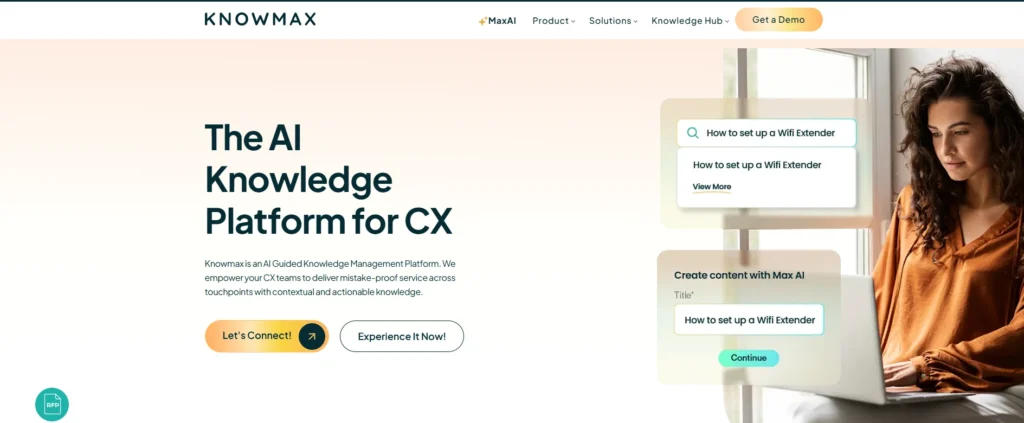
Knowmax is an AI-powered knowledge management platform built for CX teams. It helps businesses deliver fast, accurate, and consistent customer support across every channel.
What makes Knowmax different is that it goes beyond a traditional knowledge base. Along with AI-powered knowledge management, it offers interactive decision trees and visual step-by-step guides that help agents resolve customer issues with more confidence and accuracy.
Instead of searching through lengthy articles, agents are guided through the right resolution process based on the customer’s query. This helps reduce errors, improve consistency, and lower average handle time, especially for teams managing large volumes of customer interactions.
Knowmax also makes it easy to deliver knowledge across agent desktops, chatbots, self-service portals, and field apps from one unified platform. Teams can create content once and publish it everywhere, helping ensure customers and support teams always access the latest and most accurate information.
Key Features:
- Interactive decision trees that guide agents step-by-step during live calls
- Visual how-to guides (picture-based walkthroughs, not just text articles)
- AI-powered search that helps agents find the right answers faster, even with incomplete or natural-language queries
- Omnichannel delivery, where the same knowledge is available across agent desktops, chatbots, self-service portals, and mobile apps
- Strong vertical fit for telecom, BFSI, healthcare, and BPO contact centers
- Knowledge governance with review workflows, expiry rules, and audit trails
- Deep integrations with CRMs, CCaaS platforms, and ticketing tools
Who it’s for: Contact center teams that want more guided and standardized support workflows across channels.
Pricing: Contact sales.km@knowmax.ai
See Knowmax in Action
2. Stonly
Stonly takes a more interactive approach to knowledge management. Instead of traditional article libraries, it uses branching guides that adapt based on the user’s responses. These guides can be embedded inside products, websites, and support tools like Zendesk or Salesforce, helping customers and agents get answers without switching platforms.
It works especially well for troubleshooting and process-heavy support workflows, where step-by-step guidance can improve consistency and increase self-service success.
Stonly supports both customer-facing and internal knowledge from one platform, making content easier to manage and maintain. Its simple setup and ease of use also make it a good fit for teams looking for faster implementation.
It is best for SaaS, e-commerce, and support teams focused on guided self-service experiences.
Pricing: From $199/month. Free trial available.
3. Bloomfire
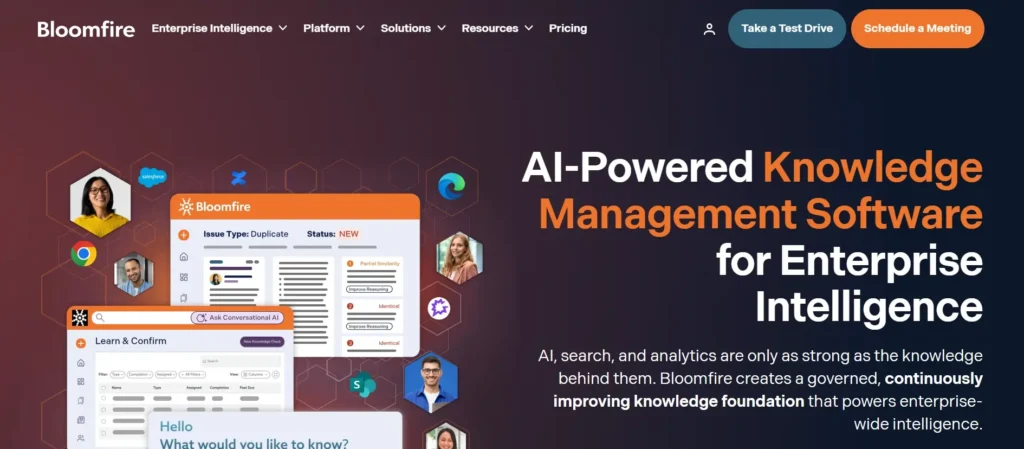
Bloomfire approaches knowledge management from a collaboration angle. It works like a searchable, social knowledge hub; teams post content, ask questions, upvote answers, and build a living repository of organizational knowledge. AI-powered deep search can surface relevant content across videos, PDFs, slide decks, and documents, not just articles.
It’s particularly strong for internal collaboration and organizational knowledge sharing, onboarding, and training use cases. Marketing, sales, HR, and customer service teams can all contribute and consume from the same platform.
Bloomfire doesn’t have the same depth of contact center workflows, decision-tree guidance, or compliance controls. It’s stronger for internal collaboration and organizational knowledge sharing than for specialized contact center guidance workflows.
Pricing: From $25/user/month.
4. Guru
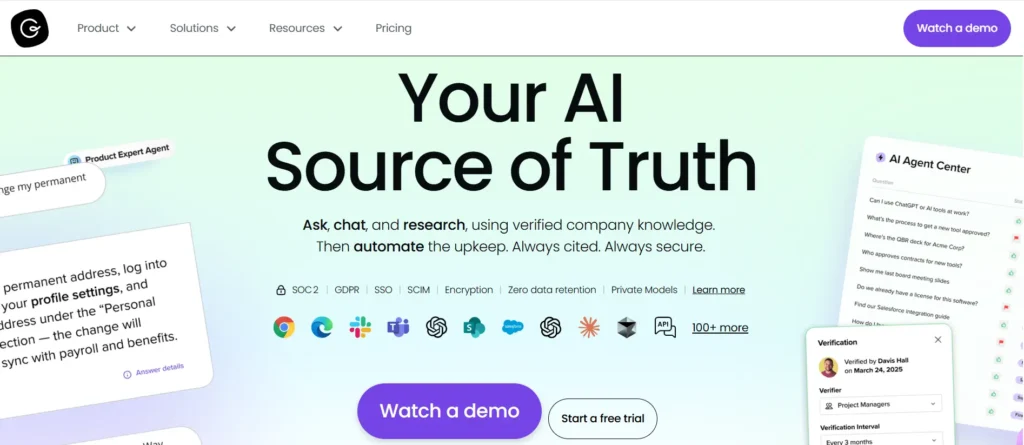
Guru is designed around a simple idea: knowledge should come to you, not the other way around. It surfaces verified knowledge cards directly inside the tools teams already use: Slack, Gmail, Salesforce, Zendesk, Chrome, so agents never have to leave their workflow to find an answer.
Its AI search goes beyond keyword matching, pulling cited answers from every connected tool with source lineage. The AI-powered verification and content monitoring features help teams identify stale knowledge continuously.
Guru is a better fit for remote, distributed teams using lots of different tools than for large contact centers that need structured process guidance.
Pricing: From $18/user/month.
5. Document360
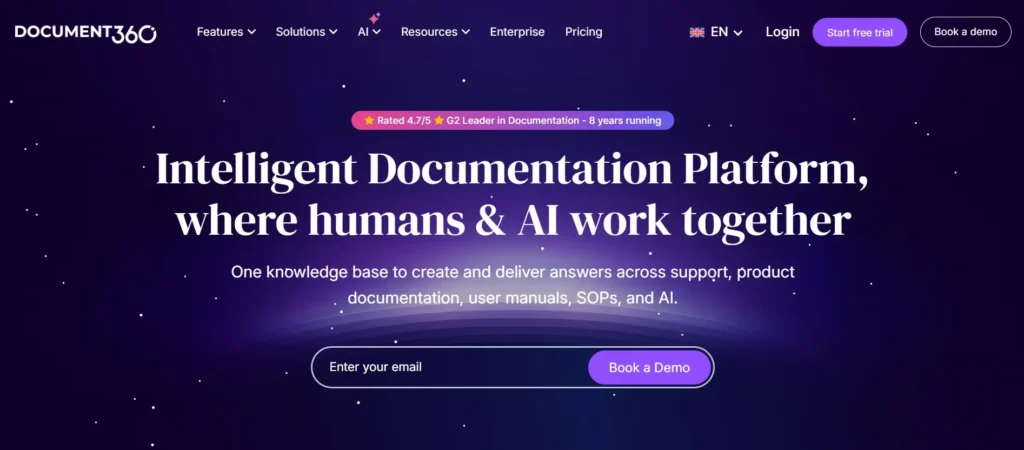
Document360 is a clean, well-designed knowledge base platform built for creating and managing structured documentation, help centers, internal wikis, API docs, and SaaS product documentation. Its markdown editor, category manager, and version control make it easy to maintain organized content at scale.
AI-assisted search, SEO tools, and detailed analytics help teams optimize content performance and close gaps. It supports both public-facing and internal knowledge bases with role-based access control.
It’s a great fit for SaaS companies, technical writers, and product teams.
Pricing: From $199/month.
6. Zendesk Guide

If your team already runs on Zendesk, the native knowledge base built into it, Zendesk Guide, is a natural fit. Agents can access articles while working on tickets, customers get a branded self-service help center, and AI-powered search helps surface the right content.
Zendesk’s AI assistant can auto-suggest articles to agents mid-ticket and flag content gaps. For teams that live inside the Zendesk ecosystem, the tight integration eliminates tool-switching and speeds up resolution.
Zendesk Guide delivers the most value for teams already invested in the Zendesk ecosystem, especially those looking for a tightly integrated support experience. However, teams that need more advanced workflow guidance or decision-tree-based assistance may prefer more specialized platforms.
Pricing: Bundled with Zendesk plans.
7. Shelf
Shelf focuses on one core problem: making sure agents and customers always get accurate, current answers fast. It uses AI to automate knowledge retrieval, score content health, and surface the best answer regardless of how it’s phrased or where it’s stored.
Its Content Health Score feature proactively identifies outdated or underperforming content, which is useful for large knowledge bases that accumulate stale articles over time. Shelf also connects to existing content sources: SharePoint, Confluence, and Google Drive, so teams don’t have to migrate everything from day one.
Pricing: Custom/enterprise pricing.
8. KMS Lighthouse
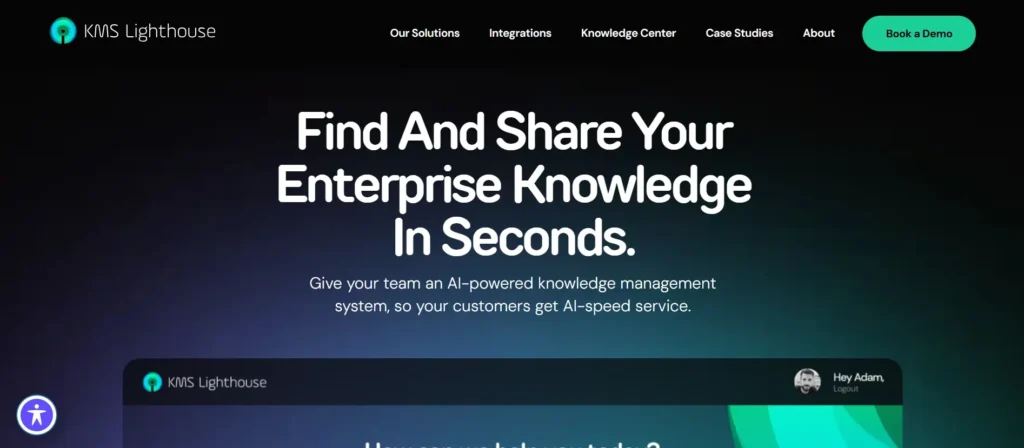
KMS Lighthouse is built for large contact centers that handle high volumes of complex, scripted interactions. Its strength is structured knowledge delivery; agents get step-by-step call scripts, compliance-guided decision flows, and relevant information surfaced automatically based on what the customer says.
It integrates with major telephony and CCaaS platforms and is designed to handle the kind of high-stakes, regulated interactions common in financial services, insurance, and telecom.
Pricing: Custom/enterprise.
9. Salesforce Knowledge
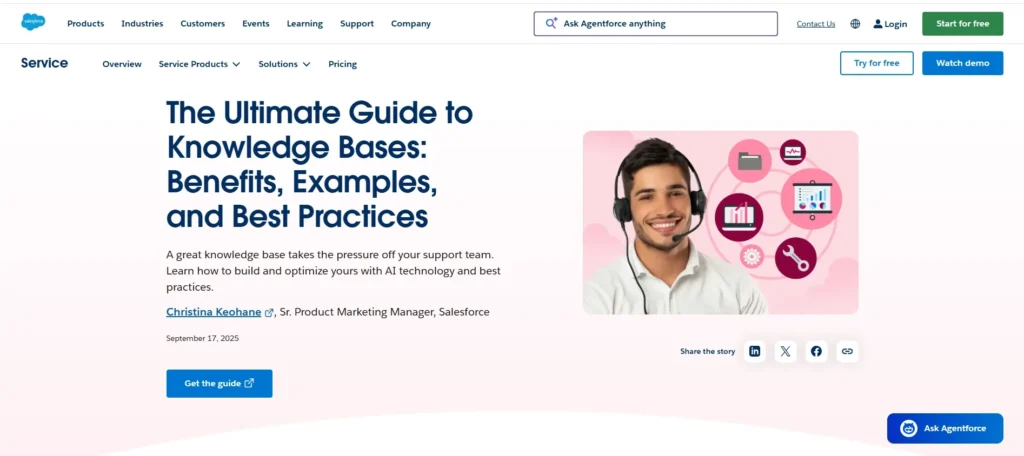
Salesforce Knowledge is the native knowledge management capability inside Salesforce Service Cloud. For teams running customer service on Salesforce, it’s a seamless option; agents can access articles, create new ones from resolved cases, and use AI-suggested recommendations mid-ticket without leaving the CRM.
The tight Salesforce integration is its biggest strength and also its biggest constraint. Outside Salesforce, it has little standalone value.
Pricing: Bundled with Salesforce Service Cloud plans.
10. ServiceNow Knowledge Management
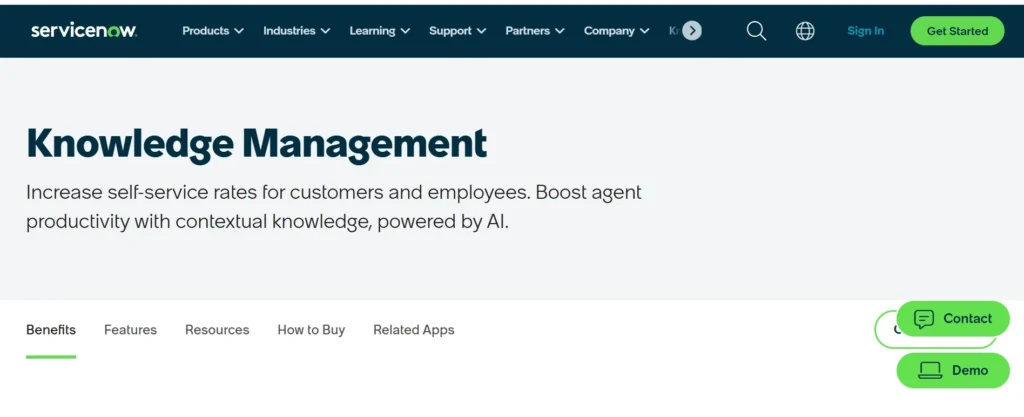
ServiceNow’s Knowledge Management module is part of its broader enterprise workflow platform and is built primarily for IT service management, HR self-service, and large enterprise operations. It enables employees to find answers to IT and HR questions without creating tickets, and connects knowledge to incident and problem management workflows.
It’s a powerful choice for IT and HR-heavy enterprises already using ServiceNow. It’s not primarily designed for customer-facing contact center workflows or real-time agent guidance.
Pricing: Custom, as part of ServiceNow licensing.
How to choose a Knowledge Management System in 2026?
How to Choose the Right eGain Alternative
The right pick depends less on features and more on how your team actually delivers knowledge. A few questions to narrow it down:
- Do your agents need guided, step-by-step support during live calls? Go with Knowmax or KMS Lighthouse. Article-based tools won’t be enough if your call types are complex.
- Is your primary use case interactive customer self-service? Stonly excels here. Its embedded, branching guides reduce tickets without replacing your support team.
- Are you already deep in a platform like Zendesk or Salesforce? Start with the native knowledge tools. They may be enough, and the integration is seamless.
- Does your team use lots of different tools and need knowledge to come to them? Guru is built exactly for this; knowledge cards surfaced inside Slack, Chrome, and Salesforce, without switching tabs.
- Do you need compliance-grade governance in a regulated industry? eGain and Knowmax are the strongest picks. Both handle audit trails, review workflows, and multilingual compliance at scale.
- Is your team managing technical documentation or a product help center? Document360 is purpose-built for this. It offers a clean editor, versioning controls, SEO tools, and detailed documentation management features.
Bottom Line
The right eGain alternative depends on how your team creates, manages, and delivers knowledge. Some organizations prioritize enterprise governance, deep CRM integrations, and large-scale knowledge operations, while others focus more on guided agent assistance, interactive self-service, faster implementation, or workflow simplicity.
Each platform in this list solves a different knowledge management challenge:
- Knowmax → Best for guided CX workflows, decision trees, and visual step-by-step assistance for support teams
- Stonly → Best for interactive self-service and embedded troubleshooting guides
- Guru → Best for distributed teams that want knowledge surfaced directly inside daily workflows
- Document360 → Best for technical documentation, product help centers, and SaaS knowledge bases
- Bloomfire → Best for collaborative internal knowledge sharing across departments
- Zendesk Guide → Best for teams already operating within the Zendesk ecosystem
- Shelf → Best for AI-powered knowledge retrieval and improving content health across large knowledge bases
- Salesforce Knowledge → Best for organizations deeply invested in Salesforce Service Cloud
- KMS Lighthouse → Best for structured call guidance in large contact center environments
- ServiceNow Knowledge Management → Best for enterprise IT and HR knowledge workflows
The best platform is ultimately the one your agents, employees, or customers will actually use consistently. Start by identifying your biggest support and knowledge challenges, then choose the tool that aligns best with those operational needs.


 Word Document)
 Excel File)


